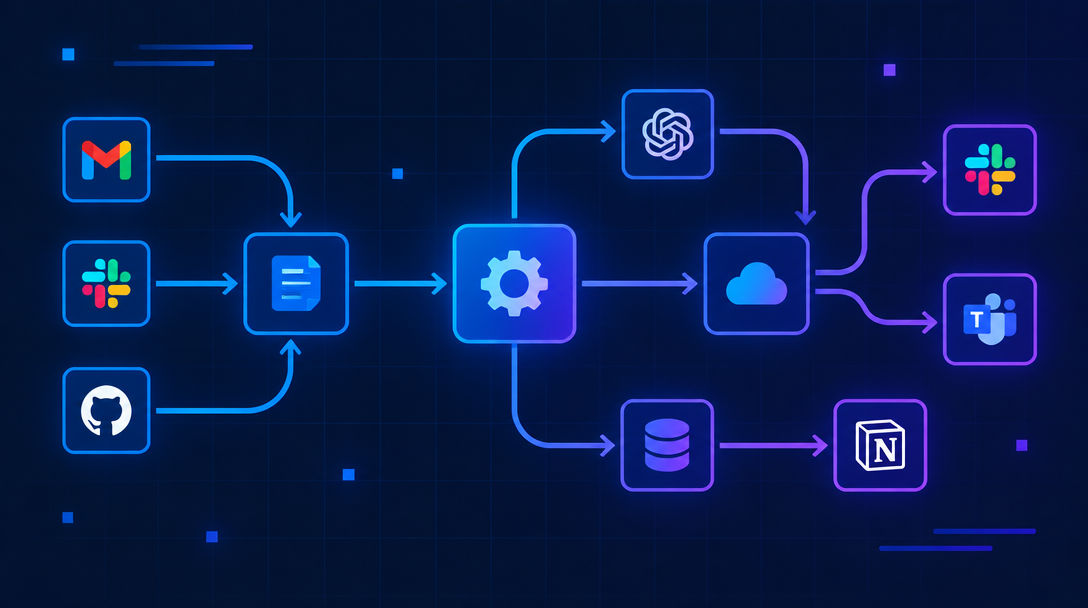
Every lead that waits hours for a reply is a lead that might buy somewhere else. The good news: with n8n you can reply in minutes, every time, without anyone watching the inbox.
Why follow-up speed matters
People fill in a form when they are interested right now. A quick, personal reply catches them while the problem is fresh. A slow reply forces them to remember who you are.
What you need
- An n8n instance (cloud or self-managed)
- A lead source: website form, Facebook Lead Ads or a shared inbox
- A CRM such as GoHighLevel, HubSpot or Zoho
- A channel for the reply: email, WhatsApp or SMS
Step by step
1. Capture the lead
Start the workflow with a Webhook node or the native trigger for your form tool. Every submission now arrives in n8n as structured data.
2. Clean the data
Use a Set or Code node to trim spaces, format phone numbers and split full names. Clean data prevents ugly messages like "Hi JOHN SMITH ,".
3. Check for duplicates
Search your CRM for the email or phone number. If the contact exists, update it; if not, create it. An IF node handles the branch.
4. Send the first reply
Send a short, friendly message. Mention what they asked about and give one clear next step, such as a booking link.
5. Notify your team
Post a summary to Slack or email so a person can follow up on hot leads.
6. Handle errors
Add an Error Trigger workflow that alerts you if any step fails. Silent failures are the most expensive kind.
Tips for better replies
- Keep the first message under 60 words
- Use the lead's first name and their actual request
- Send from a real person's name, not "noreply"
Automation should make your follow-up faster, not colder.
Next step
Want this running on your own stack? Request a free automation audit and we'll map your lead flow in writing.