Lead Generation Workflows That Fill Your Pipeline
Built by Orbelyxa · 5 workflows
Prospecting · Enrichment · AI scoring · Outreach · CRM
These workflows find the right prospects, add the details you need and put them straight into your CRM. Your team spends its time talking to leads instead of searching for them.
HOW TO GET A WORKFLOW
Workflows are shared on request. Message us on WhatsApp or email rasel.m@automexa.com with the workflow name and the tools you use. We'll confirm it fits and send it with setup notes, or set it up and test it for you.
B2B Prospect List Builder
Problem: Building prospect lists by hand takes days.
HOW IT WORKS
- 1You set the industry, location and company size
- 2The workflow collects matching companies and contacts
- 3Duplicates and incomplete rows are removed
- 4The clean list is saved to a sheet or CRM
A fresh, targeted list without manual searching.
Related guide →Lead Enrichment & Verification
Problem: Leads arrive with missing details and bad emails.
HOW IT WORKS
- 1A new lead is added to the CRM
- 2Company, role and links are looked up
- 3The email address is verified
- 4Missing fields are filled in on the contact
Complete, reachable leads in your CRM.
Related guide →Landing Page Form → CRM
Problem: Form submissions sit in an inbox instead of the CRM.
HOW IT WORKS
- 1A visitor submits your landing page form
- 2The data is checked and formatted
- 3A contact and deal are created in the CRM
- 4The source campaign is tagged for reporting
Every form lead is tracked from the first click.
Related guide →AI Outreach Personalizer
Problem: Generic outreach gets ignored.
HOW IT WORKS
- 1The workflow reads each prospect's company info
- 2AI writes a short, specific opening line
- 3You review the drafts in a sheet
- 4Approved messages are sent through your email
Outreach that sounds written for each person.
Related guide →Hot-Lead Routing & Alerts
Problem: Hot leads wait in a queue with everyone else.
HOW IT WORKS
- 1Each new lead is scored
- 2High scores are matched to the right salesperson
- 3The lead is assigned in the CRM
- 4An instant alert is sent with the lead details
Your best leads get a call first.
Related guide →Need Something Different?
Every business runs a little differently. We adjust any of these workflows to your CRM fields, apps and rules, or build a new one from scratch. Tell us what you need →
Frequently Asked Questions
Want One of These Workflows?
Send us the workflow name and your tools. We reply within 4h.
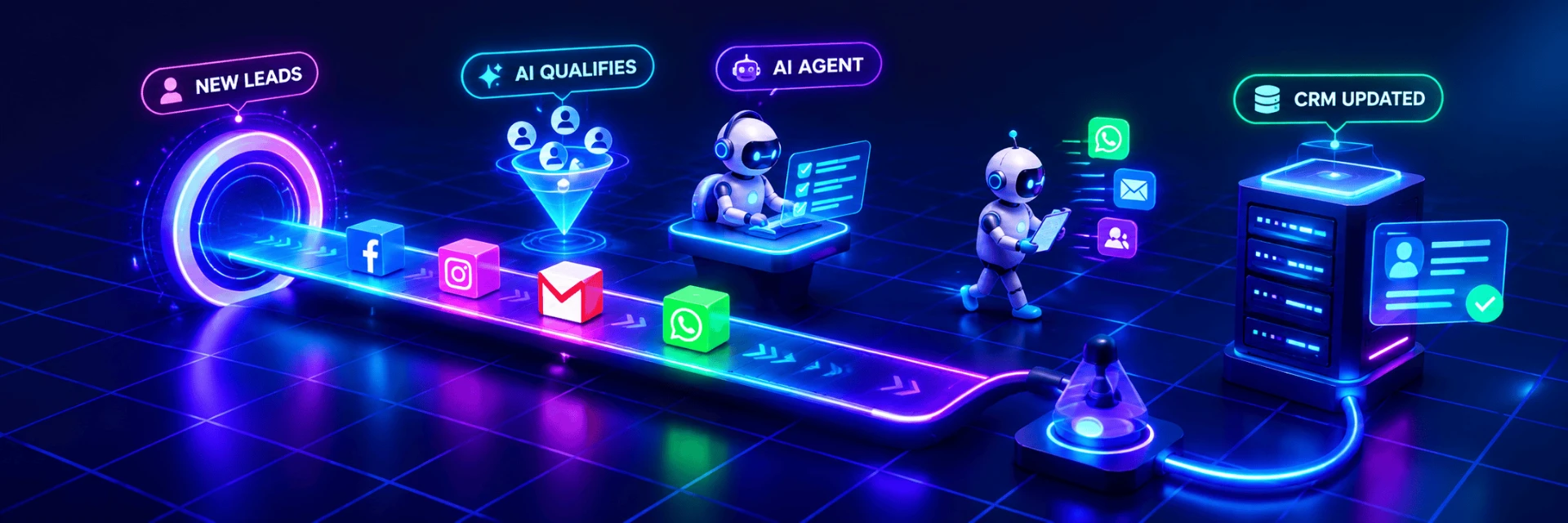
Animated illustration of an automated workflow, not live client data.