AI Workflow Automation Workflows for Real Business Automation
Built by Orbelyxa · 5 workflows
n8n · Make.com · Zapier · OpenAI · Claude
These workflows take the repetitive jobs off your team's plate, from capturing leads to sending daily reports. Each one is built in n8n and can be adapted to the apps you already use.
HOW TO GET A WORKFLOW
Workflows are shared on request. Message us on WhatsApp or email rasel.m@automexa.com with the workflow name and the tools you use. We'll confirm it fits and send it with setup notes, or set it up and test it for you.
Lead Capture → CRM → Instant WhatsApp Reply
Problem: New leads wait hours for a reply and go cold.
HOW IT WORKS
- 1A form, ad or email delivers a new lead
- 2n8n cleans the details and checks for duplicates
- 3The contact is created or updated in your CRM
- 4A personal WhatsApp message goes out within a minute
- 5Your team gets an email summary of the lead
Every lead hears back in minutes, not hours.
Related guide →AI Lead Qualification & Scoring
Problem: Sales time is wasted on leads that will never buy.
HOW IT WORKS
- 1A new lead arrives in the CRM
- 2AI reads the answers and compares them to your ideal customer
- 3A score and short reason are written back to the CRM
- 4Hot leads trigger a Slack alert to the right person
Your team calls the best leads first.
Related guide →Shopify Orders → CRM, Sheets & Alerts
Problem: Order data is copied by hand between the store, CRM and spreadsheets.
HOW IT WORKS
- 1Shopify sends each new order to n8n
- 2The customer is created or updated in HubSpot
- 3The order is logged as a row in Google Sheets
- 4Large or unusual orders send an alert to your team
Orders sync everywhere without copy-paste.
Related guide →Daily KPI Report to Slack or WhatsApp
Problem: Someone spends every morning collecting numbers for a report.
HOW IT WORKS
- 1n8n runs every morning at a set time
- 2It pulls yesterday's numbers from your sheets and apps
- 3The figures are formatted into a short summary
- 4The report is posted to Slack or WhatsApp
The whole team sees the numbers before their first coffee.
Related guide →Error Alerts & Silent-Failure Monitor
Problem: Automations break quietly and nobody notices for days.
HOW IT WORKS
- 1Every workflow reports errors to a central handler
- 2A scheduled check flags workflows that stopped running
- 3Details of the failed step are collected
- 4An alert goes to Slack and email with a link to fix it
You know the moment something breaks.
Related guide →Need Something Different?
Every business runs a little differently. We adjust any of these workflows to your CRM fields, apps and rules, or build a new one from scratch. Tell us what you need →
Frequently Asked Questions
Want One of These Workflows?
Send us the workflow name and your tools. We reply within 4h.
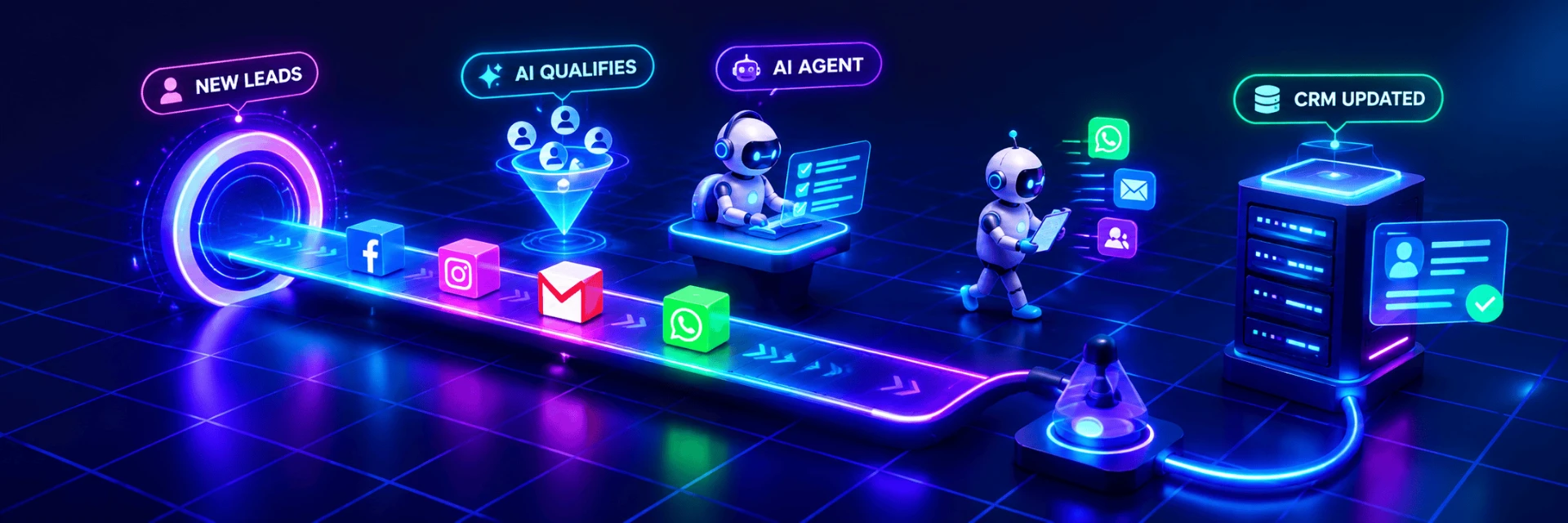
Animated illustration of an automated workflow, not live client data.