CRM Automation Workflows That Keep Your Pipeline Moving
Built by Orbelyxa · 5 workflows
GoHighLevel · HubSpot · Zoho · Salesforce · Airtable
These workflows keep your CRM accurate and your deals moving without manual updates. Stages, tasks and routing happen on their own based on your rules.
HOW TO GET A WORKFLOW
Workflows are shared on request. Message us on WhatsApp or email rasel.m@automexa.com with the workflow name and the tools you use. We'll confirm it fits and send it with setup notes, or set it up and test it for you.
Pipeline Stage Automation
Problem: Deals sit in the wrong stage because nobody updates them.
HOW IT WORKS
- 1Key events are tracked, like replies, calls and bookings
- 2Each event moves the deal to the matching stage
- 3Stage changes trigger the next action
- 4Managers see an accurate pipeline at all times
A pipeline that updates itself.
Related guide →Lead Routing by Rules
Problem: Leads are assigned unevenly or to the wrong person.
HOW IT WORKS
- 1A new lead enters the CRM
- 2Rules check location, service and source
- 3The lead is assigned to the right owner
- 4The owner is notified instantly
Every lead goes to the right person.
Related guide →Duplicate Cleanup & Data Sync
Problem: Duplicate and outdated records make reports unreliable.
HOW IT WORKS
- 1Records are scanned for duplicates
- 2Matching contacts are merged by your rules
- 3Fields are synced with your other apps
- 4A summary of changes is sent to you
Clean data you can trust.
Related guide →Deal Follow-up Tasks
Problem: Follow-ups are forgotten after a call or proposal.
HOW IT WORKS
- 1A deal reaches a key stage
- 2A follow-up task is created with a due date
- 3Reminders go out if the task is overdue
- 4Completed tasks move the deal forward
No deal is forgotten.
Related guide →CRM Migration Helper
Problem: Moving to a new CRM risks losing contacts and history.
HOW IT WORKS
- 1Fields in the old and new CRM are mapped
- 2A test batch is moved and checked
- 3All records are moved with notes and history
- 4Counts are compared to confirm nothing is missing
A safe move to your new CRM.
Related guide →Need Something Different?
Every business runs a little differently. We adjust any of these workflows to your CRM fields, apps and rules, or build a new one from scratch. Tell us what you need →
Frequently Asked Questions
Want One of These Workflows?
Send us the workflow name and your tools. We reply within 4h.
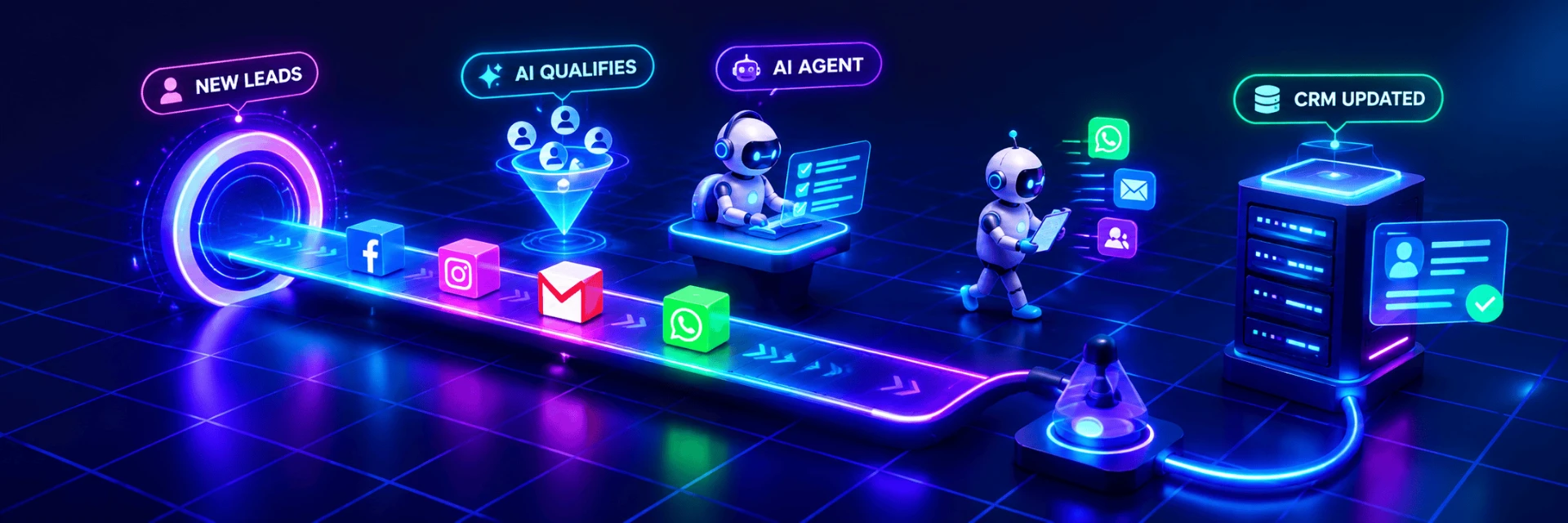
Animated illustration of an automated workflow, not live client data.