When a customer's size or colour is sold out, they usually leave. A back-in-stock alert gives them a reason to come back, but only if it is for the exact variant they wanted.
Why per-variant matters
Many basic alerts work at product level. If a shopper wants a medium in blue, an alert for "the product is back" when only a large in red arrived is frustrating. Per-variant alerts fix that.
How it works
1. The sign-up
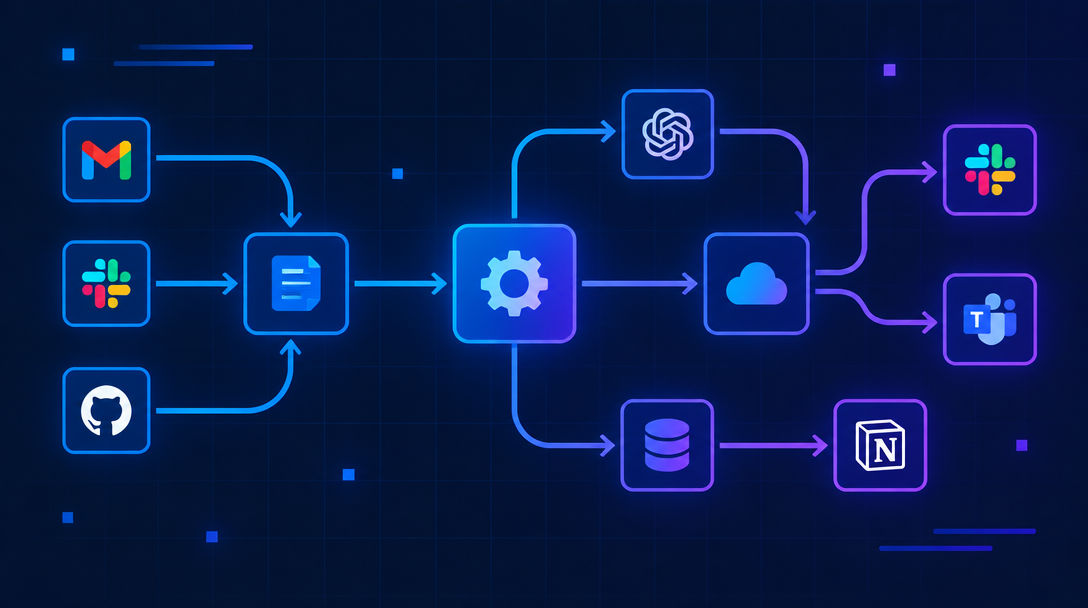
On the product page, when the selected variant is out of stock, the "Add to cart" button is replaced with "Notify me". The shopper enters an email or phone number.
2. Storing the request
The request is saved with the variant ID, not just the product ID. This can live in an app, a database or a sheet.
3. Watching stock
A Shopify inventory webhook, or a scheduled check, detects when that variant's stock goes above zero.
4. Sending the alert
The shopper gets an email or SMS with a direct link to the variant. The request is then marked as sent.
Tips for better results
- Link straight to the variant so the right size is pre-selected
- Send alerts in small batches if stock is limited
- Include a clear image of the exact variant
- Clean up old requests after a set time
Common problems
Alerts for the wrong variant
Usually caused by saving the product ID instead of the variant ID.
Alerts that never send
Often a webhook that stopped firing or an expired app connection. Add monitoring.
Theme conflicts
Custom themes sometimes hide the sign-up button. Test on every product template.
Going further
- Add the shopper to your email platform with a "waiting for restock" tag
- Use demand data to decide what to reorder
Every sold-out variant is a sale waiting for a message.
Next step
Want restock alerts that actually work by variant? Request a free automation audit for your store.