For many businesses WhatsApp is the main way customers get in touch. An AI chatbot can answer instantly, any hour, and still hand over to you when it matters.
How a WhatsApp AI chatbot works
- A customer sends a message to your business number
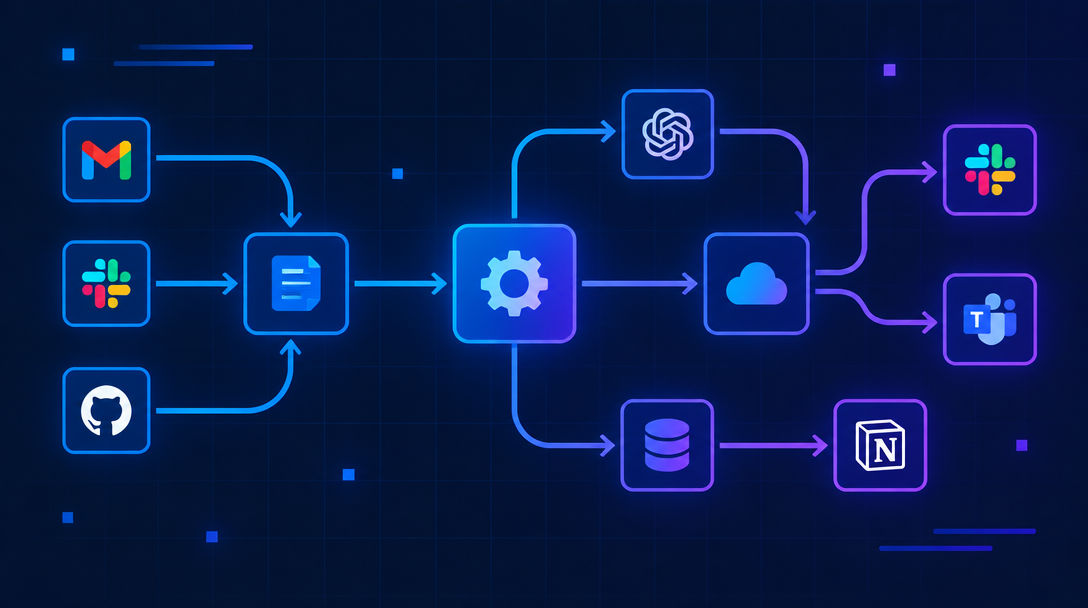
- The WhatsApp Business API forwards it to your workflow (often n8n)
- An AI model reads the message along with your business information
- The reply is sent back through WhatsApp
- Key details are saved to your CRM
What you need
- A WhatsApp Business API account (through Meta or a provider)
- A verified business phone number
- An automation platform such as n8n
- An AI model such as OpenAI or Claude
- Your business information: services, hours, FAQs
Designing the conversation
Start with the top questions
List the ten questions you answer most often. Make sure the bot handles those perfectly before adding anything else.
Ground answers in your content
Give the AI your real information and instruct it to say "let me connect you with the team" when it isn't sure. This prevents made-up answers.
Collect details naturally
Ask for name, need and preferred time in a friendly flow, not a form-like interrogation.
Human handoff
A good bot knows its limits. Hand over when:
- The customer asks for a person
- The message shows frustration
- The request is complex or high value
Send the full chat to your team so nobody has to ask the same questions again.
Follow-ups
If a conversation goes quiet, a timed follow-up message can bring it back. Keep it short and respect WhatsApp's messaging rules about the 24-hour window and approved templates.
Common mistakes
- Launching without testing real customer messages
- Making the bot pretend to be a human
- Forgetting to save leads to the CRM
Next step
Want a WhatsApp assistant built on your own business info? Request a free automation audit to get started.